Interactive 3D Cell Models
Four cell types you can rotate, zoom and take apart, each with its own guide to what every structure does. Built for MCAT prep, AP Biology and college cell biology — free, no sign-up.
Try it
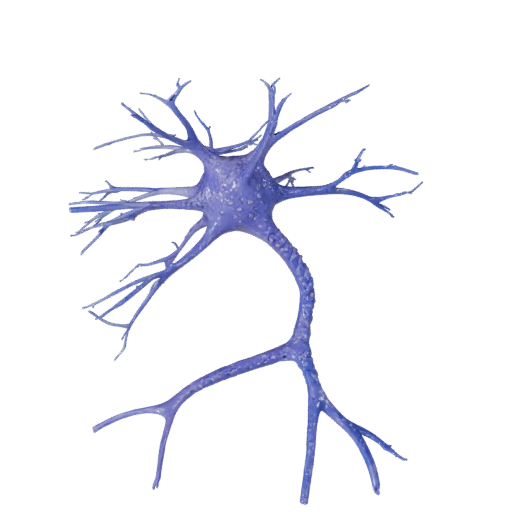
Neuron
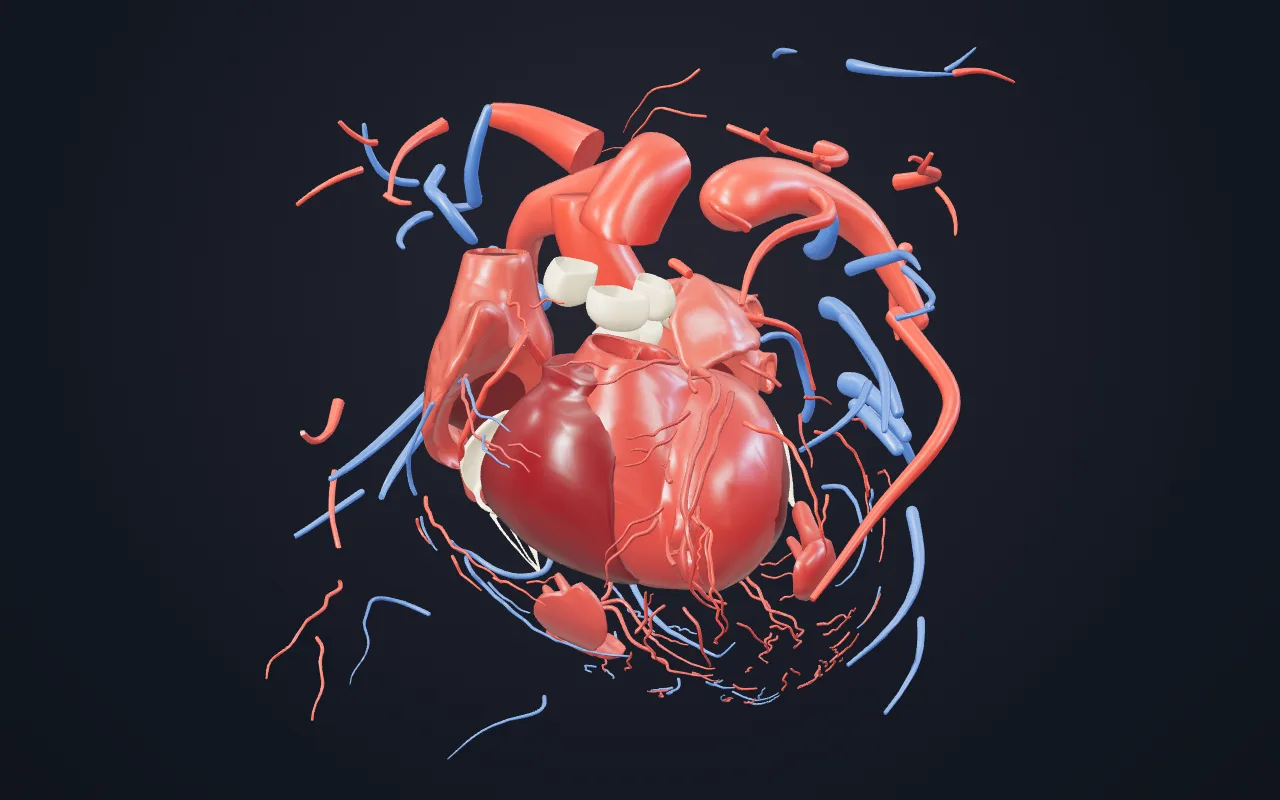
Choose a cell to explore
Each model has a dedicated page with the interactive viewer, a structure-by-structure breakdown and the questions examiners keep asking about it.
 Interactive
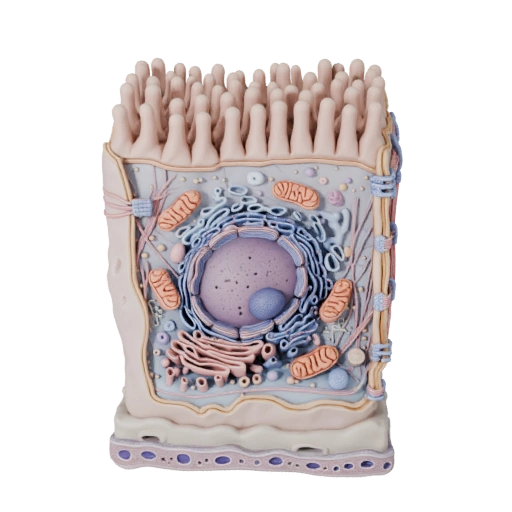
Epithelial Cell
Human tissue lining cell
The body's lining cell, and the clearest example of cell polarity you can look at. Its apical surface is a different cell from its base.
Open 3D modelInteractiveNeuron
Signal-transmitting nerve cell
The most morphologically extreme cell in the body. A single axon can run a metre from cell body to terminal, which forces some unusual engineering.
Open 3D model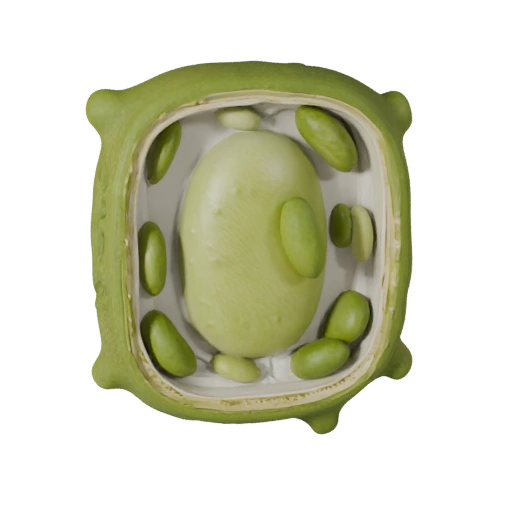 Interactive
Plant Cell
Photosynthetic eukaryotic cell
Three structures here have no animal equivalent at all. The interesting part is what plant cells still share with yours — including mitochondria.
Open 3D model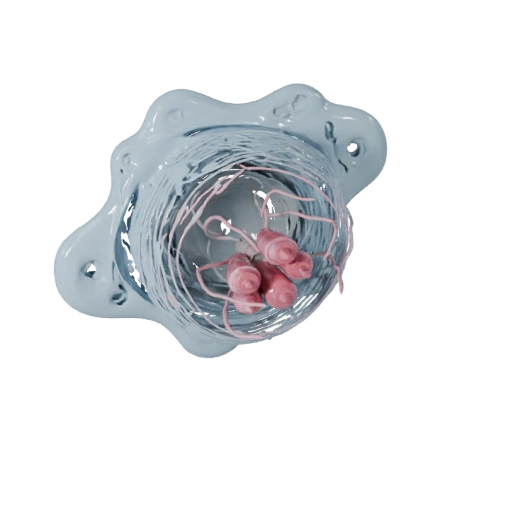 Interactive
White Blood Cell
Neutrophil, immune defence cell
A cell shaped by one requirement: squeeze out of a capillary fast. Even its nucleus is segmented to make that physically possible.
Open 3D modelWhy 3D cell visualisation works
Flat diagrams strip out the spatial context that makes cell biology intuitive. Interaction puts it back.
Spatial learning
Rotating an object engages the same spatial reasoning you use to recognise real objects, which encodes structure differently from reading a label off a diagram.
Depth you cannot draw
Where the nucleus sits relative to the mitochondria, how a membrane folds back on itself — these relationships are flattened out of any 2D cross-section.
Built for exam questions
The MCAT, AP Biology and intro histology all test structure in the context of function. Each model page explains why a structure looks the way it does, not just what it is called.
Biologically grounded
Organelle shapes, relative sizes and membrane topology follow established cell biology rather than stylised illustration conventions.
Works with your curriculum
Use the viewer alongside Campbell, OpenStax or your lecture slides. Identify a structure in the model, then find the same structure in your notes.
Light by default
Models are compressed and loaded on demand rather than all at once, so the library opens quickly even on a phone connection.
Frequently asked questions
What is an interactive 3D cell model?+
It is a three-dimensional representation of a biological cell that you can rotate, zoom and inspect in real time in your browser. Unlike a textbook diagram, which fixes one viewpoint, a 3D model lets you see how organelles sit relative to each other in depth and from any angle.
Which cell models are in the library?+
Four interactive models: the epithelial cell, the neuron, the plant cell and the white blood cell. Each has its own page with the model plus a full breakdown of its structures and functions. More cell types are planned.
Is the 3D cell visualiser free?+
Yes, entirely. No account, no subscription and no download are required. Every model runs directly in your browser using WebGL, and you can use them for personal study or in a classroom.
Do I need to install anything to view the models?+
No. The models load in any modern browser — Chrome, Safari, Firefox and Edge — on desktop and mobile. Each model is loaded only when you ask for it, so the page stays light until you choose to open one.
How should I use 3D models when revising?+
Look at the structure first, then close the model and try to redraw or describe it from memory before checking. Passive rotation on its own does little; the gain comes from pairing the visual with active recall. Reading each model's structure breakdown afterwards fills in the function detail exams actually test.
How is a 3D model better than a diagram or a video?+
A static diagram shows one perspective and hides depth relationships. A video is linear and passive — you follow someone else's camera. A 3D model puts you in control of angle and zoom, which engages spatial reasoning and tends to produce better retention of structural detail than passive review.
Turn your biology notes into study games
Upload a biology PDF and Lorea turns it into flashcards, multiple-choice questions, a full course or an interactive study game — in seconds.
Start for free