PDF to Training Course in Minutes
Drop in a handbook, policy pack or product manual and get a multi-lesson training course with summaries and knowledge checks. No authoring tool, no instructional designer, no LMS project.
- Works with PDF, Word, PowerPoint, Excel and links
- Up to 10 source documents in one course
- Every lesson and question is editable
- Share by link and track completion
No credit card. No implementation project. Last updated August 2026.
Drop your PDF here or click to upload
Supports any PDF up to 50 MB
Short answer
How do you turn a PDF into a training course?
Upload the PDF to an AI course generator and it splits the document into lessons, writes a summary for each section, and generates knowledge checks on the material that carries consequences. You review and edit the output, then share a single link with your team and track who completed it. For a 20 to 50 page handbook or policy the whole process takes minutes, compared with days of manual authoring in a traditional tool.
- Accepts PDF, Word, PowerPoint, Excel, text and URLs
- Long documents work better as several short courses
- Generated questions reveal where the source document is vague
- No LMS required - courses are shared by link
At a glance
- Accepted files
- PDF, Word, PowerPoint, Excel, CSV, text, Markdown, images - plus URLs
- Max size
- 50 MB per file, up to 10 sources at once
- Output
- Multi-lesson course with summaries, knowledge checks and optional video
- Generation time
- Usually a few minutes, depending on document length
- Editing
- Every lesson and question can be edited after generation
- Cost
- $99/month for 5 seats, unlimited generation; free plan to try
How it works
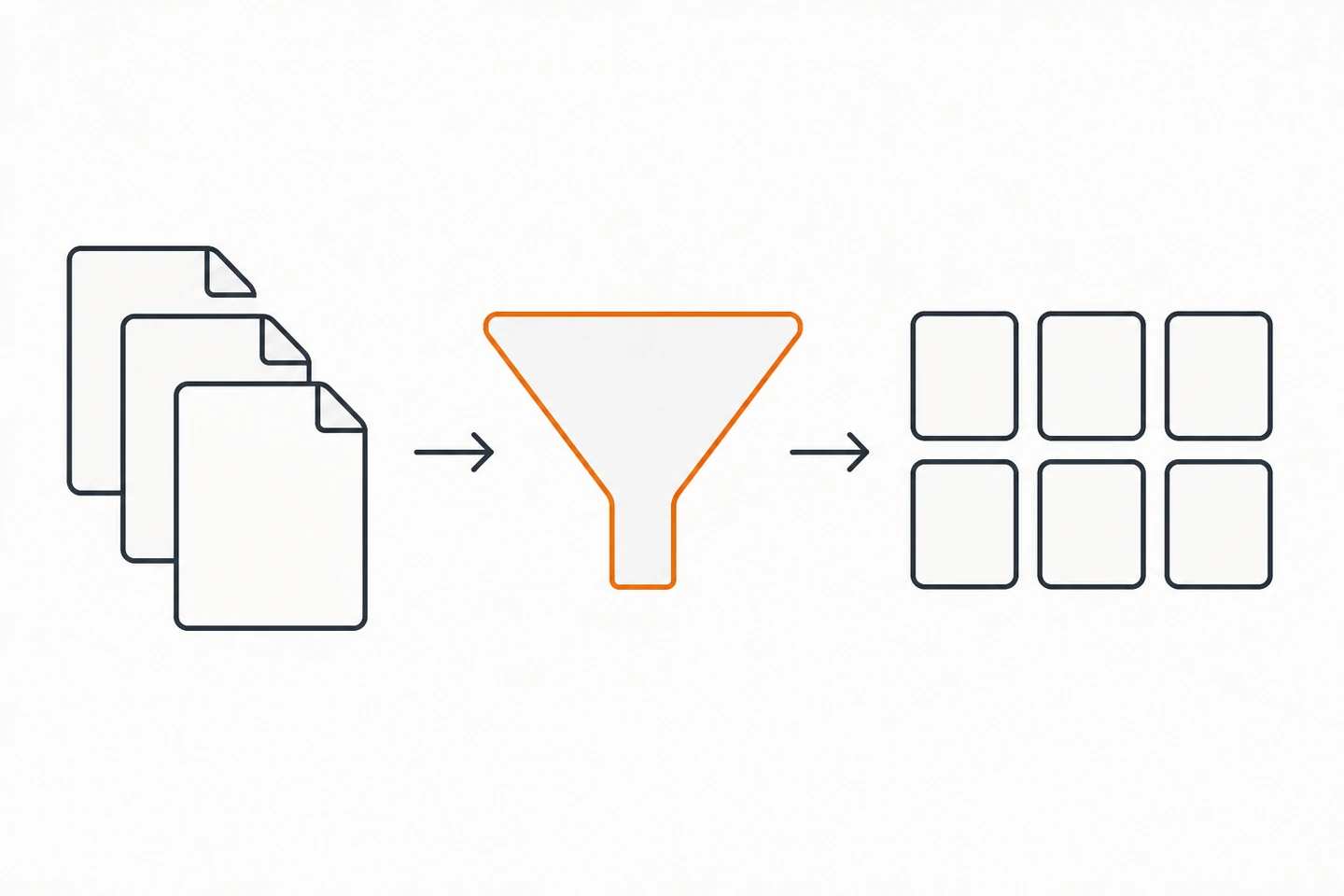
Three steps from document to course
- 01
Upload the document
Employee handbook, policy pack, product manual, safety guide, supplier contract summary - any PDF up to 50 MB. Word docs, slide decks and links work too.
- 02
AI splits it into lessons
Lorea reads the structure of the document, groups it into logical lessons, writes a summary for each, and generates knowledge checks on the parts that carry consequences.
- 03
Review, then share one link
Edit anything you disagree with, then send the link. Completion and quiz results come back to you so you can see who understood what.
Source material
Documents worth converting first
Start with whatever your team asks the most questions about - that is where a course pays for itself fastest.
Employee handbook
The document everyone receives and nobody finishes. Split it into short modules - company basics, expenses, leave, conduct - that a new hire can actually get through.
SOPs and process docs
Turn each procedure into a course with checks on the decision points. Covered in depth in the SOP training guide.
Policies
Security, data protection, health and safety. Generate the training from the policy itself so the two can never contradict each other.
Slide decks
That 60-slide product deck from the last all-hands becomes a self-serve course instead of a recording nobody rewatches.
Product and technical manuals
Support and implementation teams get a structured path through the manual rather than a search box and hope.
Client or supplier documentation
Onboard the team onto a new account by turning the statement of work and account docs into a short internal course.
Best practice: split long documents
The most common mistake is uploading a 200-page manual and expecting one usable course.
A course people finish is 10 to 20 minutes long. A 200-page manual is not a course, it is a curriculum. Split it by chapter or by role, generate one course per section, and you end up with modules that get completed and - more importantly - that stay findable when someone needs to re-check one specific thing six months later.
The same rule applies to handbooks. “Employee handbook” as a single course has a terrible completion rate. “Expenses and travel”, “Leave and time off” and “Conduct and escalation” as three short courses get finished, and they let you assign only what is relevant to a given role.
Why generated courses beat the PDF they came from
A PDF has no idea whether you read it. That single fact explains most of the difference. When you create training from a PDF, you add two things the document cannot provide on its own: structure that makes completion feel possible, and retrieval practice that makes the content stick.
Structure matters because a 40-page document reads as one indivisible task. Broken into six lessons, the same content becomes six small tasks with visible progress - which is the difference between a document people intend to read and material people actually finish.
Retrieval matters because reading produces a false sense of mastery. Being asked a question and having to answer it is what converts recognition into recall. This is one of the most robust findings in learning research, and it is why every generated course ends its lessons with knowledge checks rather than a completion checkbox.
What to do with the wrong answers
Quiz results are the most underused output here. If four people out of five miss the same question, the problem is almost never the people - it is that the source document never explained that step clearly. Fix the document, regenerate the course, and you have improved both artefacts at once. This feedback loop is covered further in turning SOPs into training.
Related workflows
For new-hire sequencing see employee onboarding training. For policy documents that need an acknowledgment trail, use compliance training from policy. If you only need questions rather than a full course, PDF to multiple choice and PDF to summary are faster. For a short video walkthrough instead of text, try PDF to AI video.
Frequently asked questions
How do I convert a PDF into a training course?
Upload the PDF and the AI splits it into lessons, writes a summary for each section and generates knowledge checks. You review the output, edit anything you disagree with, and share one link with your team. For a typical 20 to 50 page document this takes a few minutes rather than the days manual authoring would require.
What file types can I turn into a training course?
PDF, Word documents, PowerPoint decks, Excel and CSV files, plain text, Markdown and images. You can also paste a URL to build a course from a web page or online documentation. Up to ten sources can be combined into a single course.
How long can the source document be?
Files up to 50 MB are supported, which covers most handbooks and manuals. For very long documents the better approach is to split by chapter and generate several short courses - a 200-page manual is more useful as eight focused modules than one course nobody finishes.
Can I edit the generated course?
Yes. Lessons, summaries and every generated question can be edited, reordered or deleted. Treat the output as a strong first draft that removes the blank-page problem, not as something you must accept as-is.
Is a course generated from a PDF actually good training?
It is considerably better than the realistic alternative, which is a PDF nobody reads. The quality lift comes from two things: the material is broken into completable chunks, and each chunk ends with retrieval practice. If the source document is vague, the generated questions will expose that - which is useful information about your documentation.
Do I need an LMS to deliver the course?
No. Courses are shared by link and completion is tracked for you, which covers what most teams under a couple of hundred people need. If you require SCORM support, certification workflows or formal audit reporting, see the LMS alternative guide for where that line sits.
Convert your first document now
Upload the handbook, policy or manual your team asks about most and see the course that comes out. Free to try.
Build your first course - freeFree to start. No credit card, no implementation call.
More for teams